
If you are 16 or over, you can create your own ‘My Account’ to access all the learning content and courses.
To create a ‘My Account’, you will need to follow the steps below:
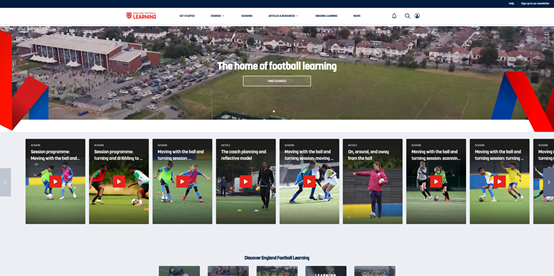
Link: https://learn.englandfootball.com/
Click on the person Icon and select ‘Sign in to my account’.

Select ‘Forgotten Password?’, enter the email address, and a verification code will be sent to the email address. Enter the verification code and click Verify Code. Once the email address is verified, a password for this account.
You are now ready to start your learner journey; to select a course or look for some bite-sized modules, explore our learning catalogue:
If you are under 16, you will need to have an account linked to a parent/ Guardian. They will need to create their account first by following the step above and then follow this article to get you set up.


